How to Create a Custom Grok Bot: Prompt vs Skill vs Routine
This article was produced with AI assistance. Editorial standards apply.
 AI Edited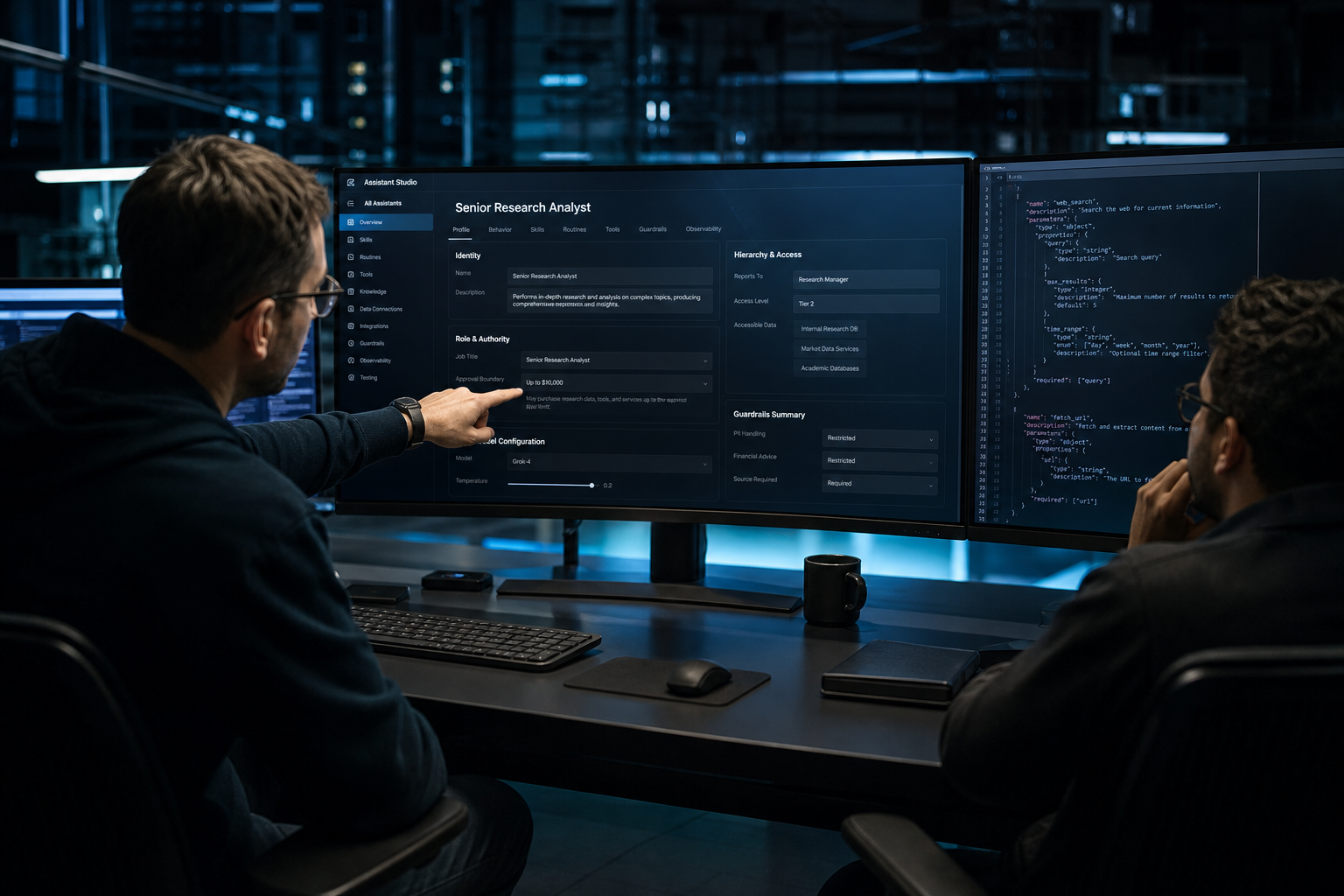
Last updated: 26 August 2026
Key takeaways
- A named Bot is a durable teammate with one job, not a longer chat prompt.
- A skill is how the work is done; a routine is when one Bot runs that workflow.
- Typed function calling is a JSON schema you execute locally; built-in search tools run on xAI servers.
- Test the skill on a one-time job before you enable a schedule.
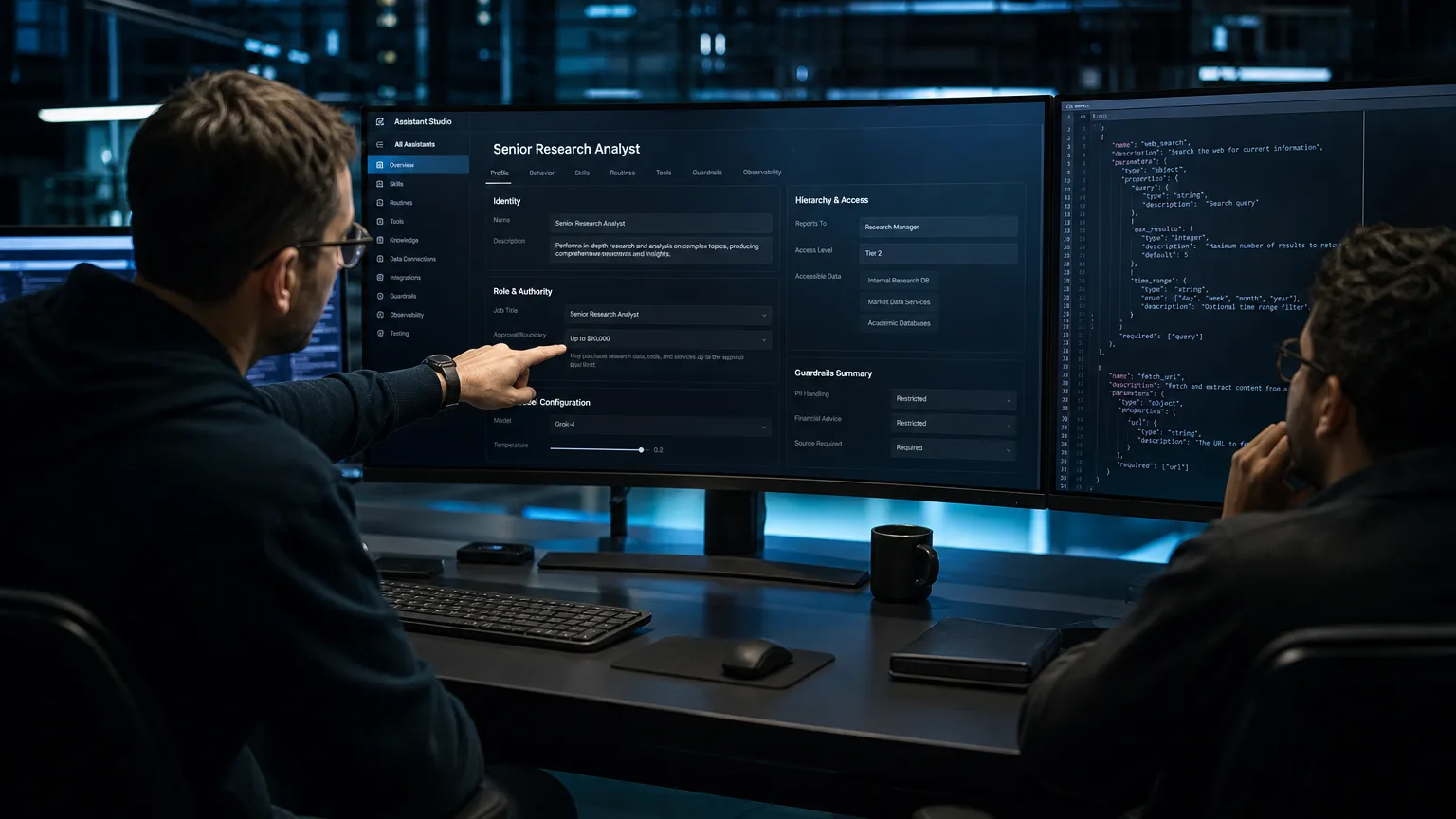
How to create a custom grok bot starts in the Grok Bot app: press Cmd/Ctrl+N, choose Create new agent, and lock one job before you write a longer prompt, save a skill, or schedule a routine. grok.com “custom agents” (four instruction slots) are a different product.
Prompt vs skill vs routine {#prompt-skill-routine}
xAI’s FAQ states the split in one line: a skill describes how to perform a task; a routine assigns that workflow to one Bot and tells it when to run.
| Object | What it is | When to use it |
|---|---|---|
| Prompt / description | Standing role, output format, and approval boundary | Rules that must stay true every turn |
| Skill | Reusable steps, inputs, validation, and safety rules | After one real run works |
| Routine | Schedule or event on a single owning Bot | After the skill is tested |
A chat prompt is not a skill. Teach-a-Task records a browser workflow for up to ten minutes and drafts a skill you still review. Filesystem SKILL.md packs are a third path — see the Teach-a-Task first skill walkthrough when the job is a recorded product skill.
Put “never send, purchase, delete, or change production without approval” in the Bot description. Keep task-specific instructions in the conversation.
Create a named Bot in the Grok Bot app {#create-named-bot}
Official create steps:
- Choose New in the sidebar or press
Cmd/Ctrl+N. - In New chat, select Create new agent.
- Open Bot actions → Edit Profile and set name, title, description, and avatar.
- Start with one concrete task, not a “general helper” job.
An account can hold up to 50 Bots and group chats combined. Every Bot on the account shares one persistent cloud computer (files, browser sessions, logins). Separate Bots are not a security boundary.
Narrow jobs xAI lists as good fits: Talent Scout, Expense Manager, Bug Reproduction. Duplicate a Bot for a new region: the copy keeps profile, skills, and routines, not conversation history.
Local SKILL.md discovery is in Grok CLI skill files. For typed directory routines, open the engineering hub.
Browse verified engineering routines →
Attach typed function calling tools {#function-calling-tools}
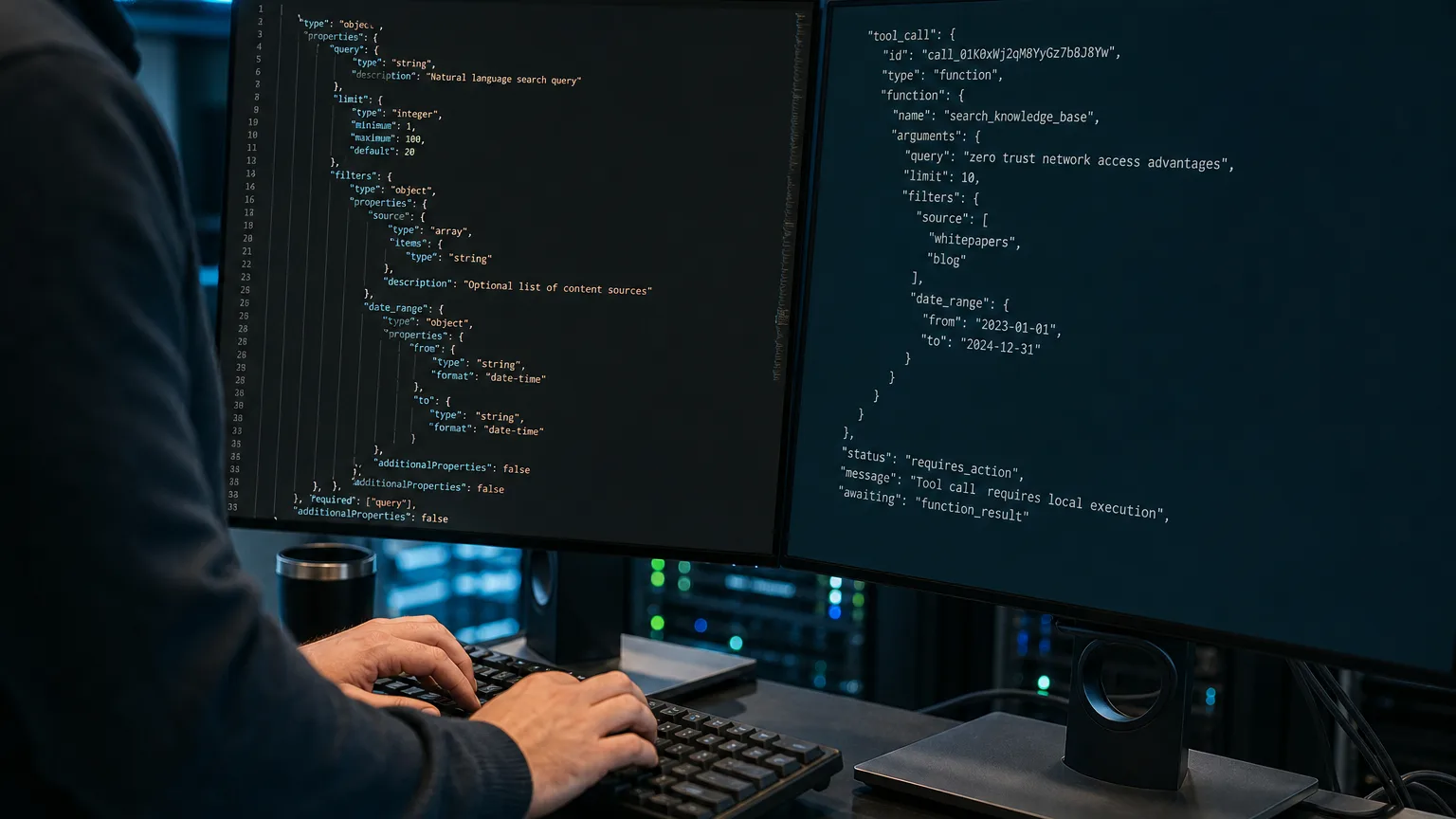
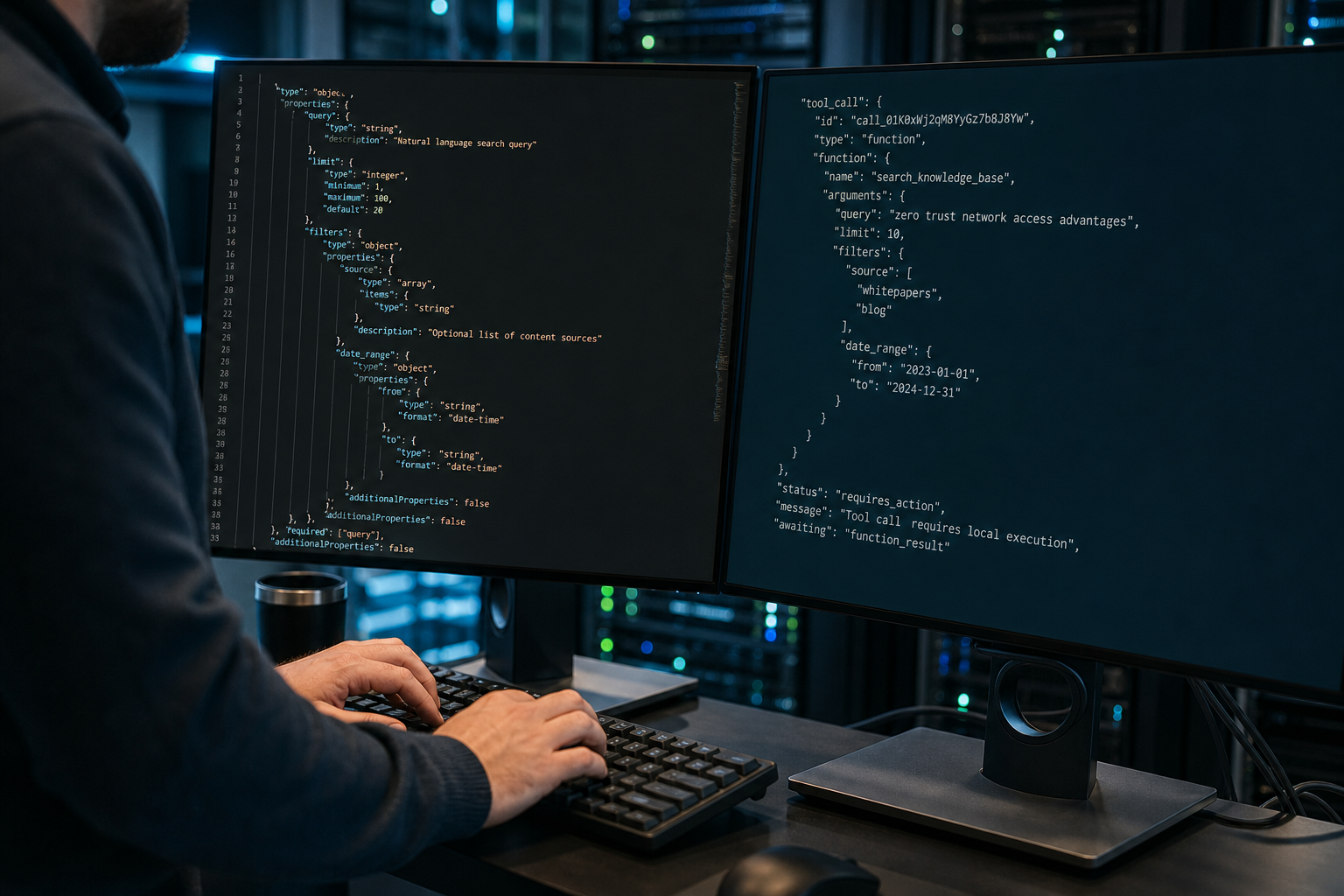
Connectors and MCP cover many apps. API function calling is the contract when you own execution: define tools, receive a tool_call, run the function locally, return the result.
xAI’s function calling reference requires name, description, and parameters. The parameters root must be a JSON Schema object (or a union of objects). A scalar or array root returns 400 naming the tool. Cap: 200 tools per request. tool_choice defaults to "auto"; "required" forces a call; "none" disables tools. Parallel calls stay on unless you set parallel_tool_calls: false.
Built-in web_search and x_search run on xAI servers. Custom functions pause and return to you. Schema 400s and hung loops: tool-call errors and common failures.
 AI Edited
MCP tools use the same object-root idea (inputSchema, JSON Schema 2020-12). @composio stated on 12 August 2026 that Composio is a Grok Bot plugin (permalink).
Save a skill, then schedule a routine {#skill-then-routine}
xAI’s skills and routines sequence is: one-time task → reliable method → skill → routine.
A useful skill states when to use it, required inputs, the sequence, validation, return format, and approval rules. Type / for a saved skill; @ for Bots, groups, routines, and connectors.
A Bot can own up to 50 routines. The app keeps the 20 most recent run records. Deleting a routine has no undo. Test run performs real work, so keep writes behind approval.
Production shape for typed schemas and dry-run mutation gates lives in skills architecture for production routines.
FAQ {#faq}
What is the difference between a skill and a routine?
A skill describes how to perform a task. A routine assigns that workflow to one Bot and sets the clock or event. Test the skill on a real one-time job before you enable the routine.
Do I need to write code?
No for a named Bot, connectors, Teach-a-Task, and routines in the app. Yes when you attach API function calling: you execute the function locally and return JSON.
How is this different from grok.com custom agents?
grok.com custom agents are chat personas with instruction slots. Grok Bot teammates run on a persistent cloud computer, keep working when the laptop is closed, and can own skills and routines.
Can I show a Bot the workflow once?
When Teach a task is available, record one browser path from the computer view (ten-minute cap, no microphone). Review the draft skill, then test it before you schedule.
Related reading
- How to create your first Grok skill (Teach-a-Task)
- Grok CLI skills and SKILL.md
- Grok bot troubleshooting and common errors
- Engineering directory
More guides like this appear when you search BotSkillsStack custom Grok bot on Google.