How to Create Your First Grok Skill With Teach a Task
This article was produced with AI assistance. Editorial standards apply.
 AI Edited
 Last updated: 30 August 2026
Key takeaways
- Teach a task records one browser workflow on the Bot computer (up to ten minutes, no microphone) and writes a draft skill.
- A skill is how. A routine is when. Save the method, then schedule — never the reverse.
- Filesystem
SKILL.mdpacks live on the Grok CLI skills URL, not this Teach-a-Task walkthrough. - Test run performs real work. Keep send, spend, delete, and production changes behind Require Approval.
How to create your first Grok skill: open a one-to-one Bot conversation and its computer view, then choose Teach a task.
Record Teach a task on the Bot computer {#record-teach-a-task}
The Grok Bot skills and routines page is the contract. A skill is how. A routine is when. xAI’s order is one-time work, then a named skill, then automation. The Grok Bot overview puts those jobs on a persistent cloud computer. Official @bot (11 August 2026) called Bots teammates that sign into tools and return finished work.
Create the named owner first via the custom Grok bot walkthrough when you still lack a Bot. Then record:
- Open a one-to-one Bot conversation and its computer view.
- Choose Teach a task.
- Describe the result you are about to demonstrate.
- Perform the workflow once.
- Stop the recording and review the skill the Bot creates.
- Test it on a safe example before scheduling it.
Teaching records visible computer interaction for up to ten minutes. It does not record microphone audio. Avoid exposing secrets during the demonstration; use the secure handoff flow for credentials. Teach-by-demonstration may roll out gradually. Ask the Bot to create a skill from written instructions and the completed task when the control is missing.
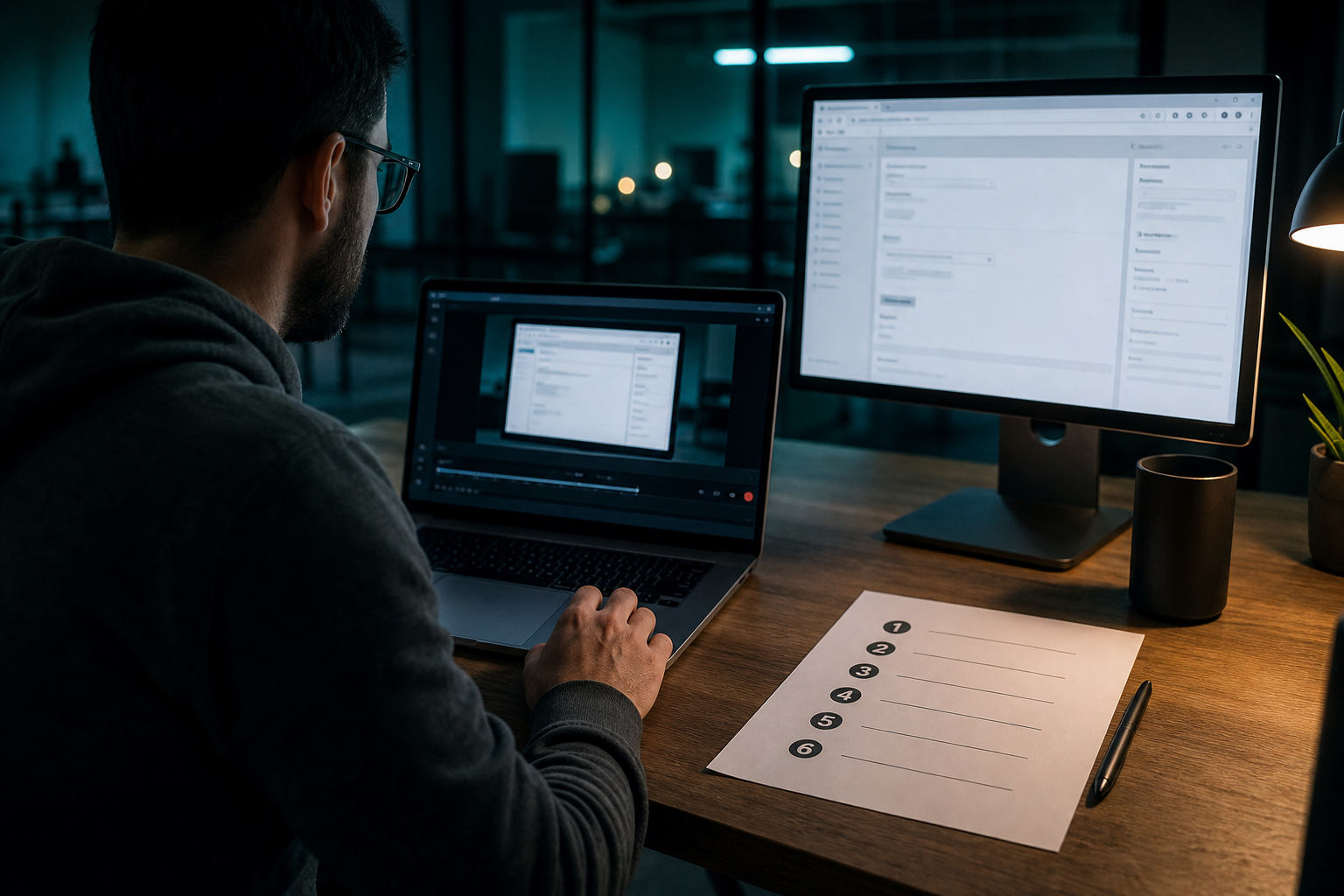

Review the draft skill before you save {#review-draft-skill}
The learned skill is a draft. One happy-path recording does not encode login expiry, missing source data, or “never send without a yes.” Add decision rules, failure handling, and approval boundaries before you trust / to fire it.
xAI’s useful-skill list:
- When to use it
- Required inputs and access
- The sequence of work
- How to validate the result
- What to return
- What requires approval
Type / in the desktop composer to reference a saved skill. Use @ for Bots, groups, routines, and connectors. Open Settings → Plugins → Yours and enable the pack for the current Bot when it does not appear in /. Typed registry skills belong in Grok bot skills architecture; this URL stays on the product recorder.
| Building block | Job | Where it lives |
|---|---|---|
| Product skill | How to do the task | Grok Bot account; / menu |
| Routine | When one Bot runs that skill | Owning Bot → View conversation details → Routines |
CLI SKILL.md | Disk pack Grok Build walks | ./.grok/skills/ — other URL |
Browse verified engineering routines →
Keep CLI skill files on the other URL {#not-cli-skill}
Filesystem SKILL.md packs belong on Grok CLI skills. Search for grok cli skills or grok skill files belongs on that URL. This page stays Teach a task. Mixing those intents here would duplicate the CLI URL.
Consumer Skills on grok.com are a third surface. Official @grok announced prebuilt and custom Skills on 18 May 2026. That launch is not Teach a task, and it is not a repo folder.
Test once, then schedule a routine {#test-then-schedule}
Ask the owning Bot to create the routine. Name the schedule and time zone, the input source, the expected result, the approval boundary, and what happens when a source is missing (report failure; do not reuse stale data). Background routines can run while the laptop is closed.
A Bot can own 50 routines. The app keeps the 20 most recent run records per routine. Deleting a routine is immediate and has no undo. Deleting a Bot removes routines that Bot owned.
Use Test run after you create or edit a routine. A test run performs real work. Use safe inputs. Keep writes behind approval.
Standing Require Approval rules for sending, publishing, deleting, purchasing, or changing production systems are documented under approvals, security, and privacy. Pair CRM or GitHub mutations with two-phase dry-run mutation guards. Typed directory routines sit in the engineering hub.
Browse verified engineering routines →
FAQ {#faq}
What is the difference between a skill and a routine?
A skill describes how to perform a task. A routine assigns that workflow to one Bot and tells it when to run — on a schedule or, where supported, after an event. Test the skill on a real one-time task before you turn it into a routine.
Can I show a Bot how I do a task?
Yes. Teach a task records one browser workflow from the computer view and turns it into a draft skill you review and test. The recording is limited to ten minutes. The control may roll out gradually.
Is Teach a Task the same as SKILL.md?
No. This page is the Grok Bot product recorder. CLI SKILL.md folders are documented on Grok CLI skills.
Related reading
Ship the draft, then schedule
Harden the six skill fields, run Test run on safe inputs, then create the routine on the owning Bot. More operator guides like this appear when you search BotSkillsStack Teach a task on Google.